D&D Battle Maps: The Complete Guide to Creating and Using Maps
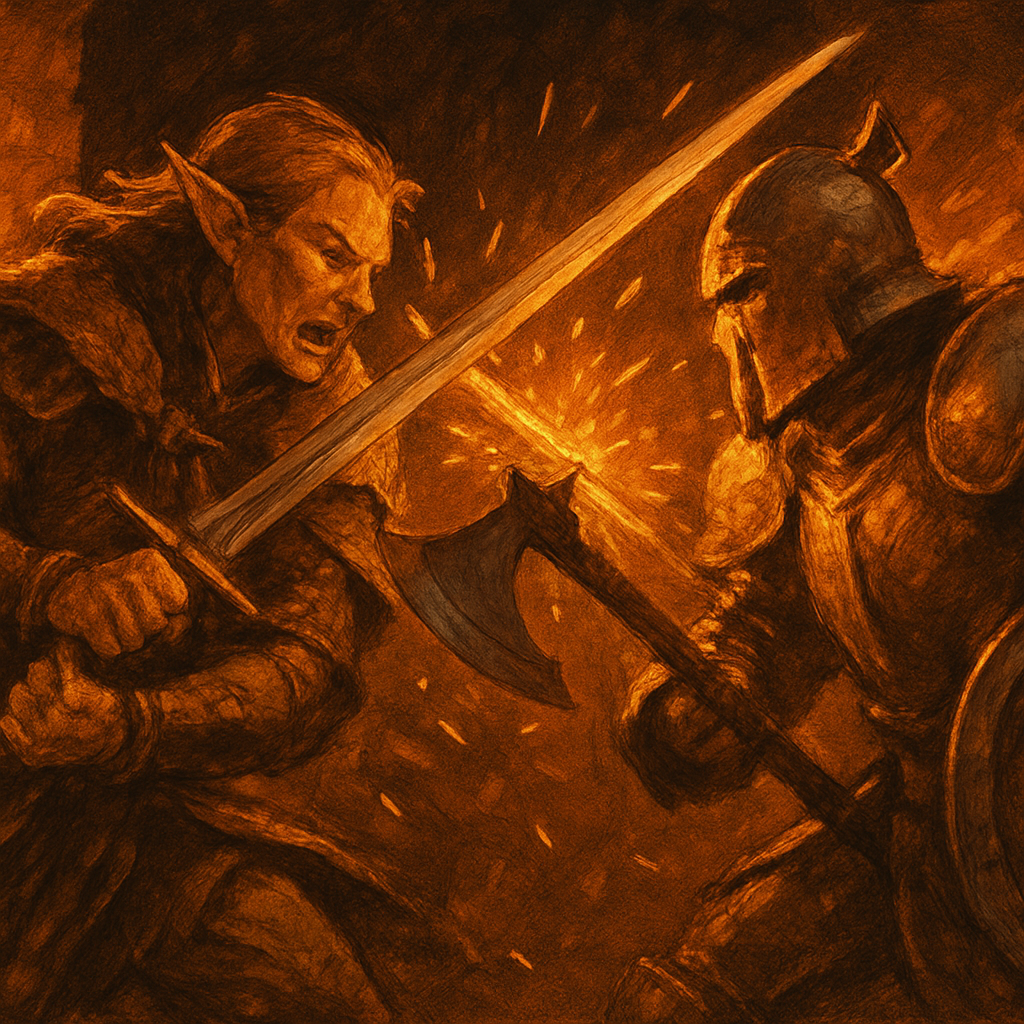
The moment you put a map on the table, D&D changes. "I attack the goblin" becomes "I move to flank him while the rogue cuts off his escape route." Positioning matters. The barrel they're hiding behind matters. The narrow doorway that limits how many of them can rush at once matters.
That's the whole argument for battle maps. Here's how to actually use them well.
Creating Maps
AI Generation
Describe what you want in plain language - "a crumbling stone bridge over a river, with support pillars the size of a wagon and a collapsed section near the center" - and an AI generator builds it. ArcForge's battle map generator produces full-color maps from text prompts with automatic grid overlay, multiple art styles, and quick revision options.
The advantage over manual tools: speed. You can describe a map mid-session when the players go somewhere you didn't prep and have something usable in under a minute.
Uploaded Maps
Purchased map packs, hand-drawn maps, maps from other generators - all of these work. Upload and apply the grid, and you get fog of war and token management on any image.
When Not to Use a Map
Not every encounter needs one. Theater of the mind moves faster for simple fights, and dragging out the VTT for a two-goblin ambush in a corridor slows the session down. Save maps for the encounters where positioning, terrain, and tactical options are actually interesting.
Using Fog of War
Fog of war is the single most effective tension tool in a VTT. Players don't know what's around the corner. The dread of the unrevealed is its own kind of encounter.
How it works: The map starts fully hidden. You reveal areas as players explore using a brush tool - circle brush for open spaces, rectangle for rooms. Players see only what you've uncovered. You can re-hide areas if someone scouts ahead and retreats.
Best practice: Reveal one room at a time. Don't uncover the entire dungeon at the start just because the players "can see it." The corridor beyond the door is hidden until they open it.
Token Management
Tokens are the players' spatial representation on the map. A few things that matter:
Creature size. Set this correctly - Medium, Large, Huge, Gargantuan. Tokens auto-resize and occupy the right number of squares. A Large creature in a 10-foot space creates different tactical problems than a Medium one.
Display HP and AC on tokens. Your players will ask mid-combat. Having it visible on the token saves everyone time.
Pre-place tokens before the session. Especially for planned encounters. Fumbling to create and place tokens while players are watching breaks the energy of an ambush.
Map Design That Actually Works
Use terrain. Empty rooms are tactical wastelands. A room with pillars, a chandelier, a raised platform, or difficult terrain in one corner changes how players think about every fight. Even one interesting element transforms the encounter.
Think about entry. A narrow doorway that only one creature can pass through at a time is a legitimate encounter design tool. A room with three entrances is a different fight than a room with one.
One map per session, fully detailed. Don't prep six maps for encounters that might not happen. Prep one map well - the climax encounter - and use theater of the mind or quickly generated sketches for everything else.
Don't make them huge. A 20x30 grid with interesting features is better than a 100x100 map where half of it is empty floor. Players move across large maps faster than you expect, and empty space feels like filler.
Getting Started
ArcForge includes a battle map generator and full VTT in every tier, including free. Generate from a text prompt, add tokens, enable fog of war, and you're running tactical combat in under two minutes.
*Generate your first battle map - free, no credit card.*