Combat and initiative
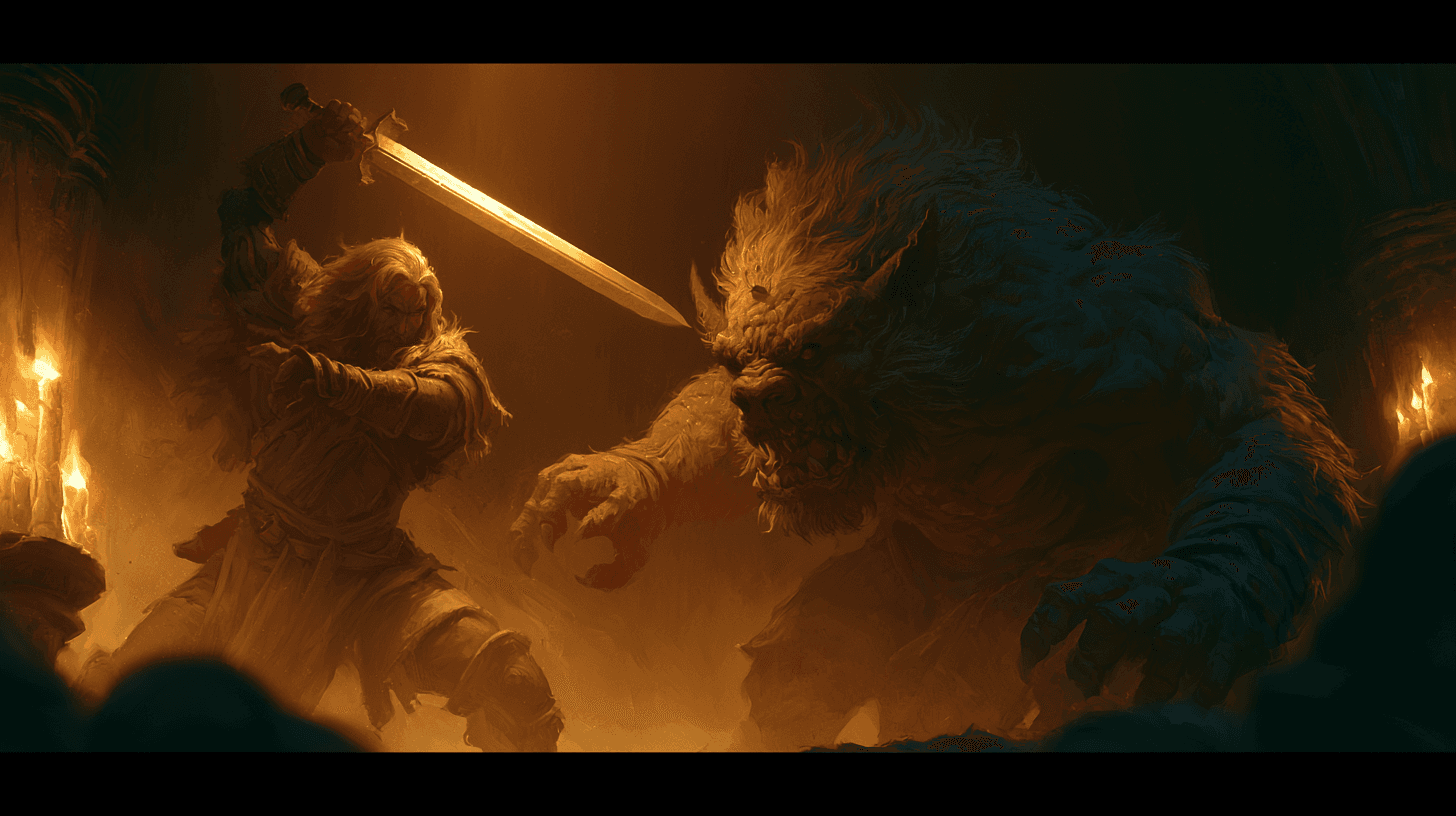
Track initiative, turns, hit points, conditions, concentration, and death saves without moving between a spreadsheet and a separate combat app.
D&D 5e Game Master toolkit
ArcForge is an all-in-one GM workspace for Dungeons & Dragons 5e. Keep campaign notes, combat, battle maps, encounters, characters, and rules references together so you can stop juggling tabs and stay in the story.
One connected toolkit
A useful Dungeon Master tool should shorten the distance between an idea and what happens at the table. ArcForge keeps each tool connected to the campaign instead of scattering the story across isolated generators.
Track initiative, turns, hit points, conditions, concentration, and death saves without moving between a spreadsheet and a separate combat app.
Place tokens, align the grid, reveal fog of war, and share the live battlefield with players from the same workspace as your session notes.
Organize scenes, read-aloud text, GM notes, quests, factions, locations, and campaign lore so the next detail is ready when players change direction.
Keep player characters and recurring NPCs close to the adventure, including defenses, abilities, relationships, secrets, and current status.
Prepare random encounters, treasure, magic items, shops, traps, puzzles, crafting, and downtime, then move the results into your running campaign.
Search spells, magic items, monsters, classes, and ancestry information during play using legally licensed SRD and ORC reference material.
Keep the story moving
ArcForge is designed around the full session cycle, not a single generated result. Information prepared before play remains useful at the table and becomes campaign history afterward.
At the table
The note you wrote before the session becomes the detail you need in the moment.
Scenes, NPCs, maps, initiative, loot, and campaign lore stay connected, so an unexpected player choice does not send you hunting through a stack of tabs.
A complete session cycle
Build or import the adventure, arrange scenes, prepare encounters, connect NPCs and factions, and pin the lore you expect to use.
Open read mode, advance through scenes, run initiative and combat, reveal the battle map, roll dice, and look up rules without losing the table.
Write the recap, update quests and relationships, record party loot, and carry unresolved threads into the next session.
Use ArcForge with D&D 5e and the 2024 revised rules, Pathfinder 2e Remastered, or a custom system. The workspace supports the campaign while leaving rulings, tone, and creative control with the GM.
Most Game Masters need a campaign notebook, initiative and combat tracker, encounter tools, maps, NPC and loot records, dice, and fast rules references. ArcForge combines those workflows in one workspace so the information remains connected.
ArcForge is free to start. The free Squire plan includes manual adventure creation, session tools, solo play, and PDF export. Paid plans increase creation, map, storage, and campaign limits.
Yes. ArcForge supports D&D 5e, including the 2024 revised rules, as well as Pathfinder 2e Remastered and custom game systems.
Yes. Players can join through the Player Hub to manage assigned characters and participate in shared session and battle-map experiences while private GM information remains hidden.

Bring your prep, tools, and campaign history into one workspace built to keep the table moving.
Create your free account