Plan the campaign
Sketch the arc, factions, and locations before you write a single scene, so session prep has somewhere to plug in.
Built around the DM workflow
Running a campaign isn't one task, it's a cycle: plan the arc, prep the session, run the table, track what happened, and continue next time. ArcForge is built around that whole cycle instead of one piece of it.
The DM cycle
A Dungeon Master's job doesn't end when the session does. ArcForge is organized around the five stages every DM cycles through, so information from one stage is still there for the next.
Sketch the arc, factions, and locations before you write a single scene, so session prep has somewhere to plug in.

Write scenes, read-aloud text, encounters, and NPCs, and organize them in the order your table is likely to hit them.
Open read mode, track initiative and combat, and reveal the battle map without breaking pace to hunt through separate apps.
Record loot, relationships, quest progress, and the choices players made, so the consequences are ready when they matter.

Pick up the campaign where you left off, with the last session's notes and open threads already in front of you.
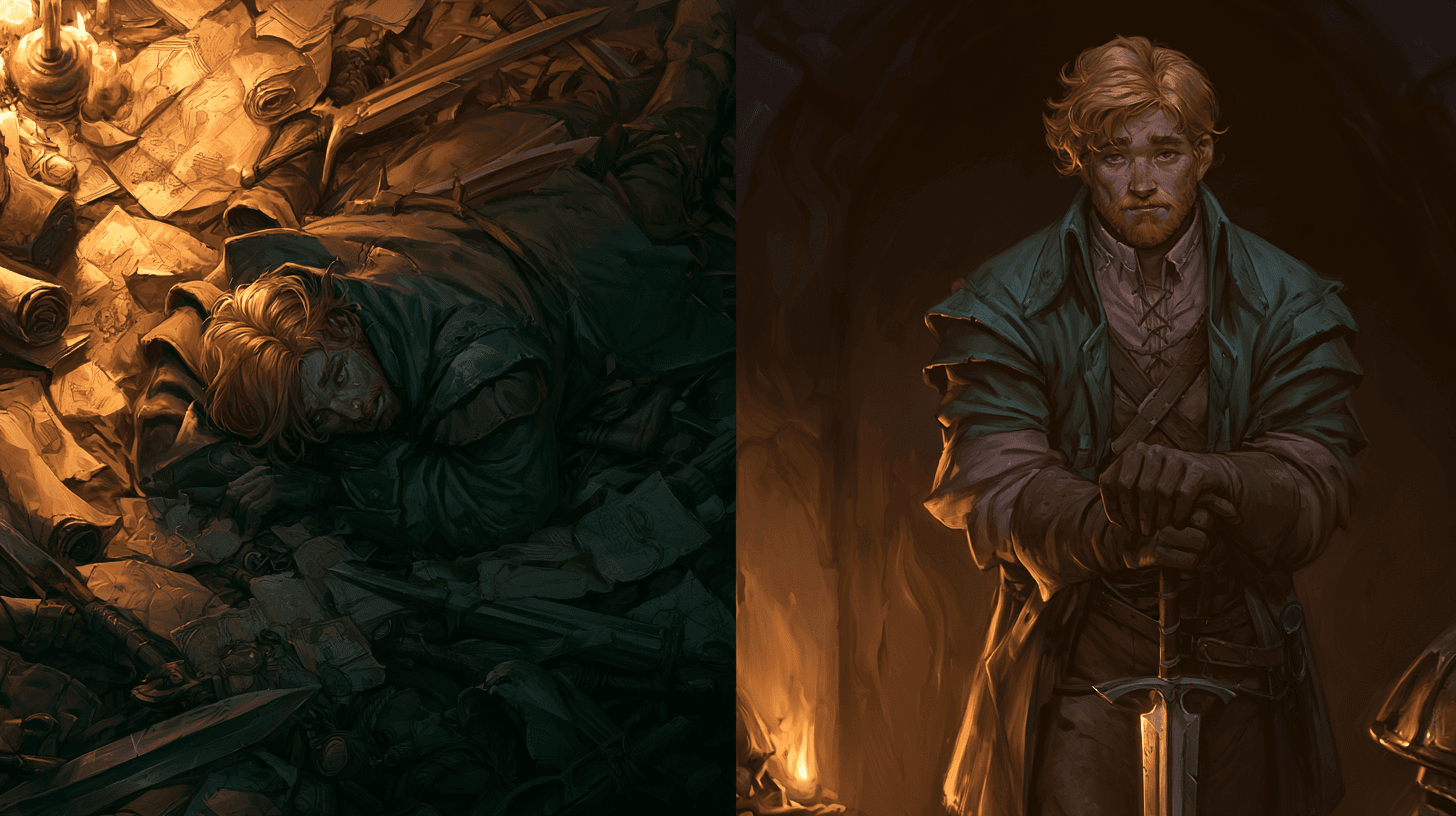
Nothing gets lost between stages
Most DM tools solve one stage and leave you to carry information into the next one manually. ArcForge keeps plan, prep, session, and history connected, so nothing has to be re-typed or re-remembered.
At the table
The faction you planned in session zero is still driving events when the campaign wraps up a year later.
Campaign structure, scenes, NPCs, and session history all live in the same workspace, so long-term planning survives contact with an actual table.
A complete session cycle
Build or import the adventure, prep encounters, connect NPCs and factions, and line up the scenes you expect to run.
Advance through scenes, run initiative and combat, reveal the map, and reference notes without losing the table's attention.
Write the recap, update quests and relationships, and carry unresolved threads into the next session.
ArcForge is built DM-first for D&D 5e, including the 2024 rules, and also supports Pathfinder 2e Remastered and homebrew systems for tables that need them.
At minimum, a DM needs the adventure or scene notes, a way to track initiative and combat, and a reference for rules and monster stats. ArcForge keeps campaign notes, combat tracking, maps, and rules reference in one workspace.
ArcForge organizes a campaign into adventures and scenes, with space for NPCs, factions, locations, and quests, so long-term planning and week-to-week session prep use the same connected structure.
Yes. ArcForge supports importing your own written material into an adventure, alongside tools for building new scenes and encounters from scratch.
Yes. A one-shot is just an adventure with a single planned session - the same scene, encounter, and combat tools apply whether you are running one night or a year-long campaign.

Bring your prep, tools, and campaign history into one workspace built to keep the table moving.
Create your free account